Published
- 3 min read
Typing Rain on Typing Genius: Turn Practice into a Challenge
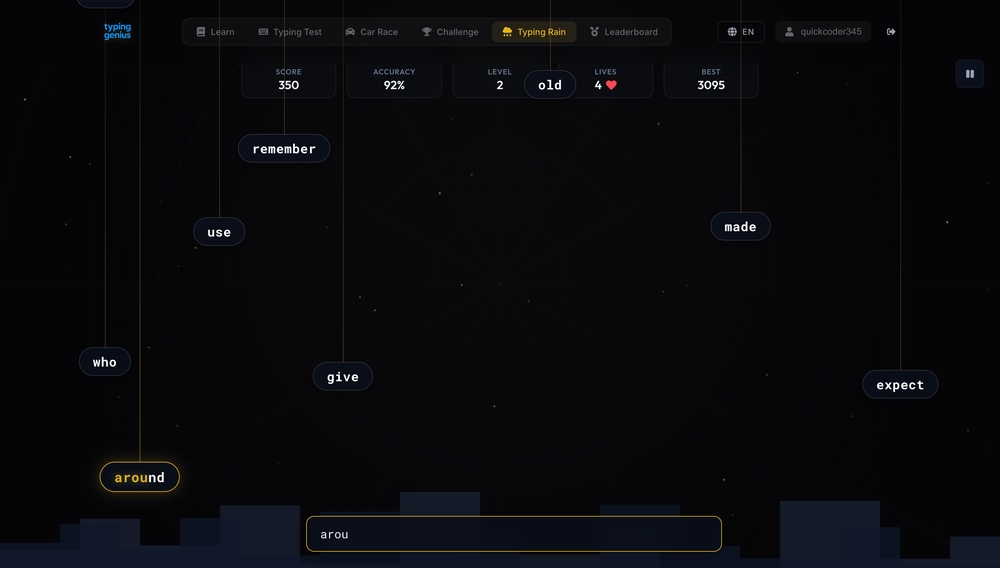
Learning how to type shouldn’t feel like a chore. Typing Genius is a free, browser‑based platform that turns keyboard practice into an engaging experience. Instead of rote drills, it combines interactive lessons with fun mini‑games, leaderboards, and progress tracking. One of its most popular games, Typing Rain, recently caught the spotlight during the GPT‑5.2 release by OpenAI. The game asks you to defend a virtual city from a “data storm” by typing falling words before they hit the ground. If you’re looking for a playful way to improve your typing speed and accuracy, this guide will show you how Typing Rain works and why gamified practice is so effective.
What makes Typing Genius different?
Typing Genius offers more than a standard typing test. The site includes structured lessons on the home row, top row, and numeric row; quick typing tests to check WPM; a Car Race game to compete with other players; daily challenges; and a persistent leaderboard. The platform is designed for anyone—from beginners learning the basics to experienced typists who want to compete. The UI is clean and accessible, with clear progress tracking and friendly competition that makes it a compelling alternative to TypeRacer or MonkeyType.
How Typing Rain works
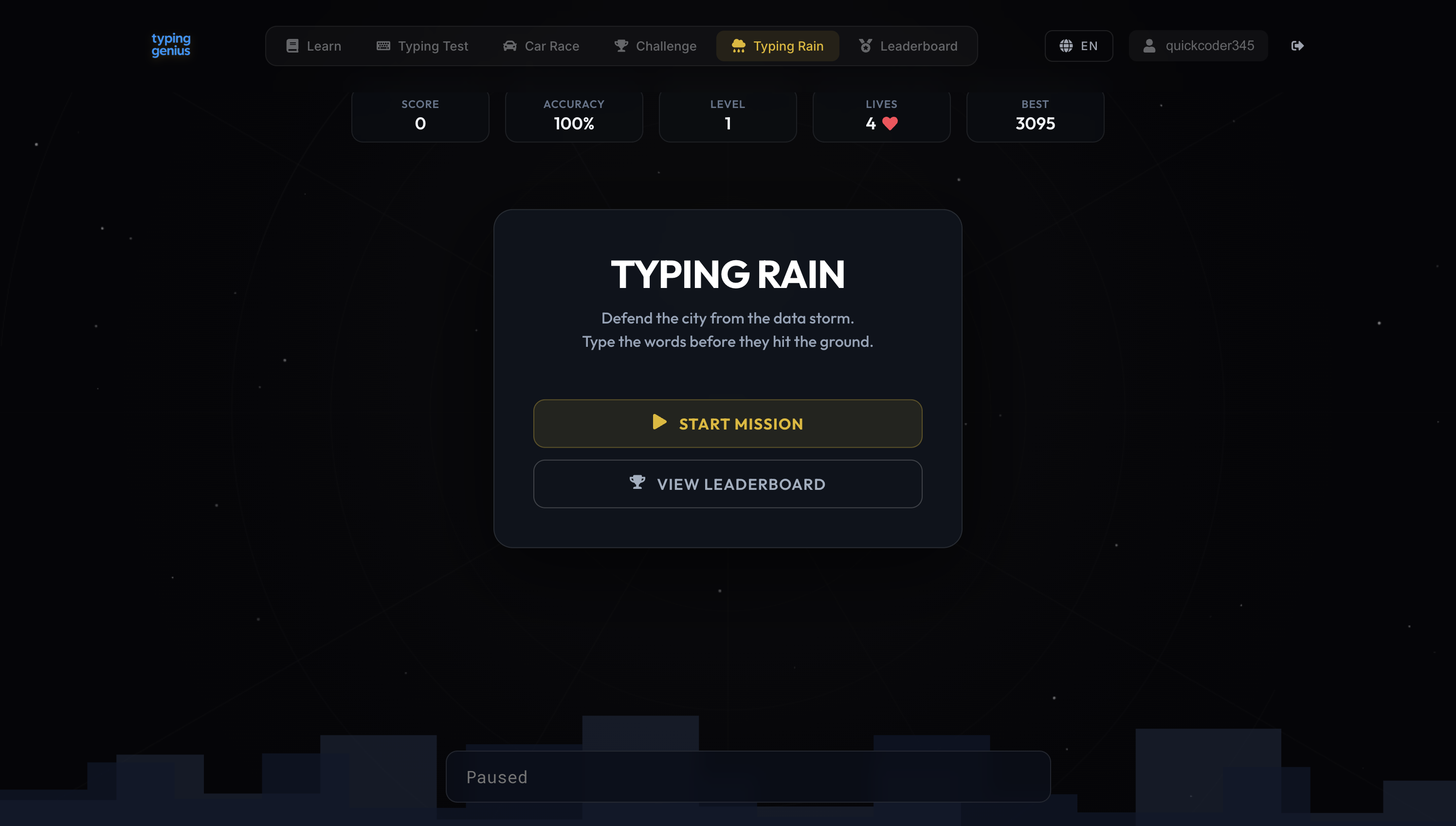
Typing Rain is a game mode within Typing Genius. You’ll see a dark city skyline with glowing words falling from the sky. Type each word correctly before it hits the ground: finished words disappear and score points. Longer words are worth more and speed increases as you level up[1]. You start with a handful of lives; each missed word costs a heart. When you run out, the game ends and you can retry or view the leaderboard.
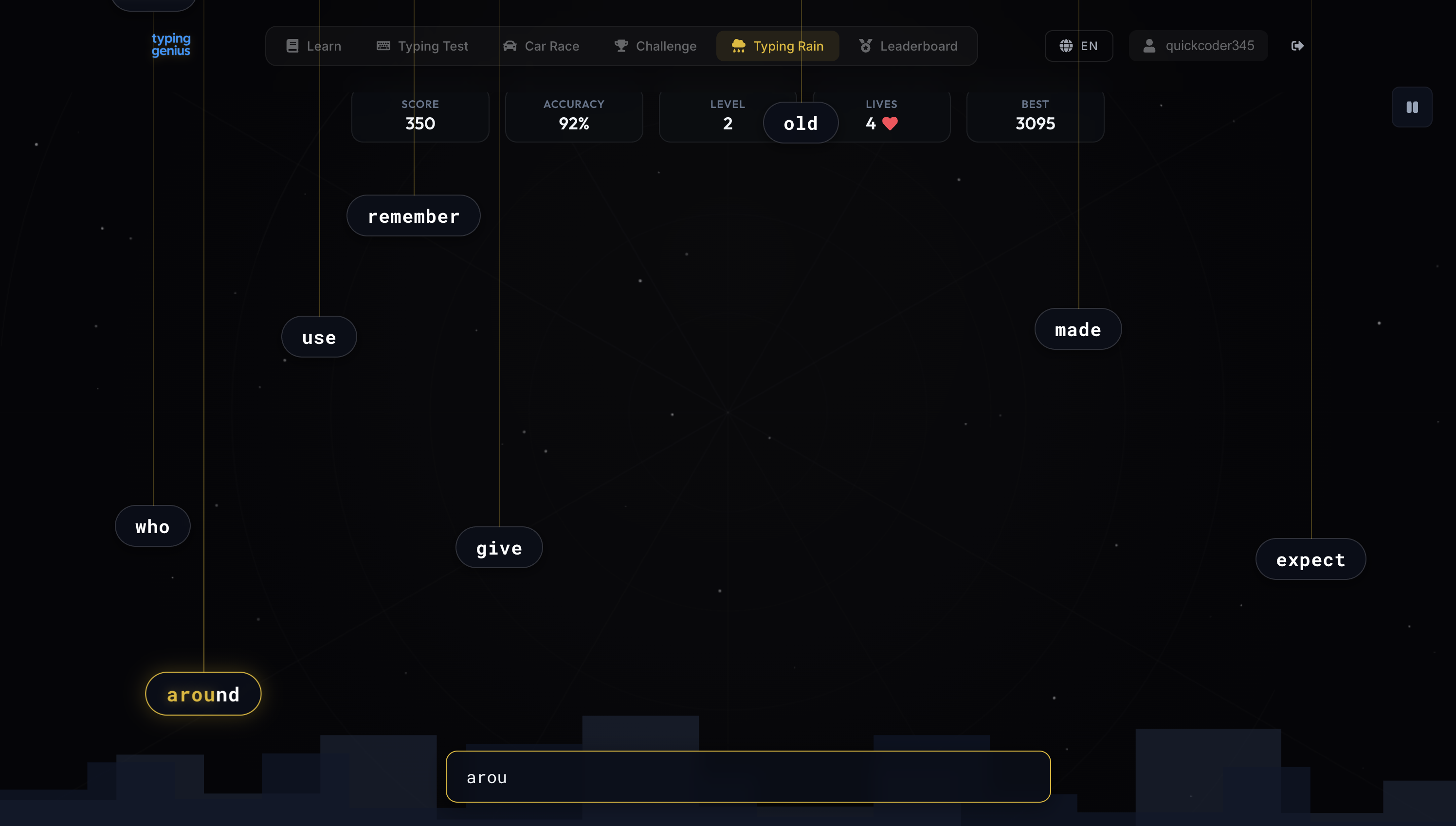
The gameplay balances speed and accuracy. Multiple words often descend at once, so you must choose which to tackle first and stay calm under pressure — while keeping your eyes on the screen and fingers on the home row.
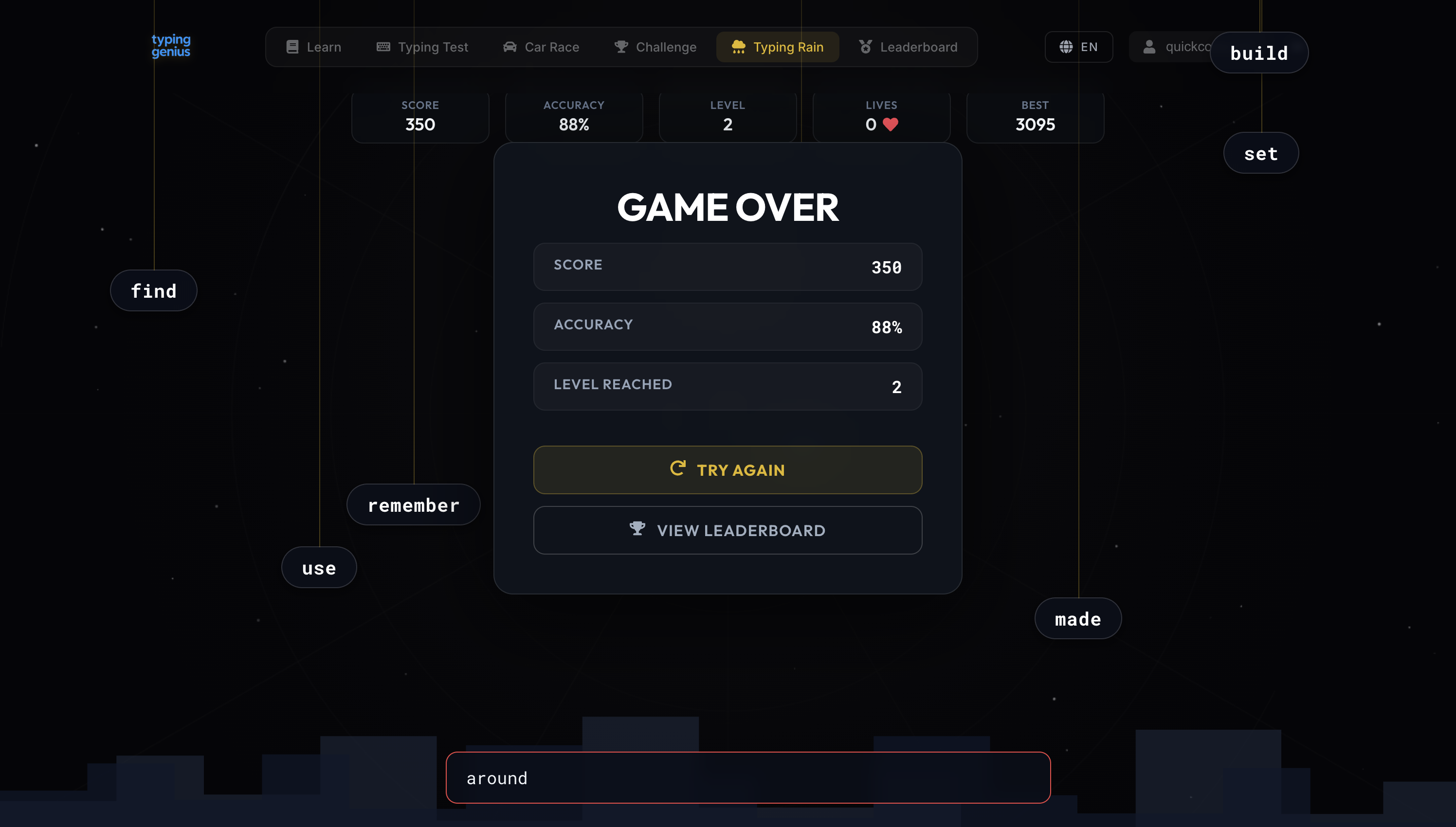
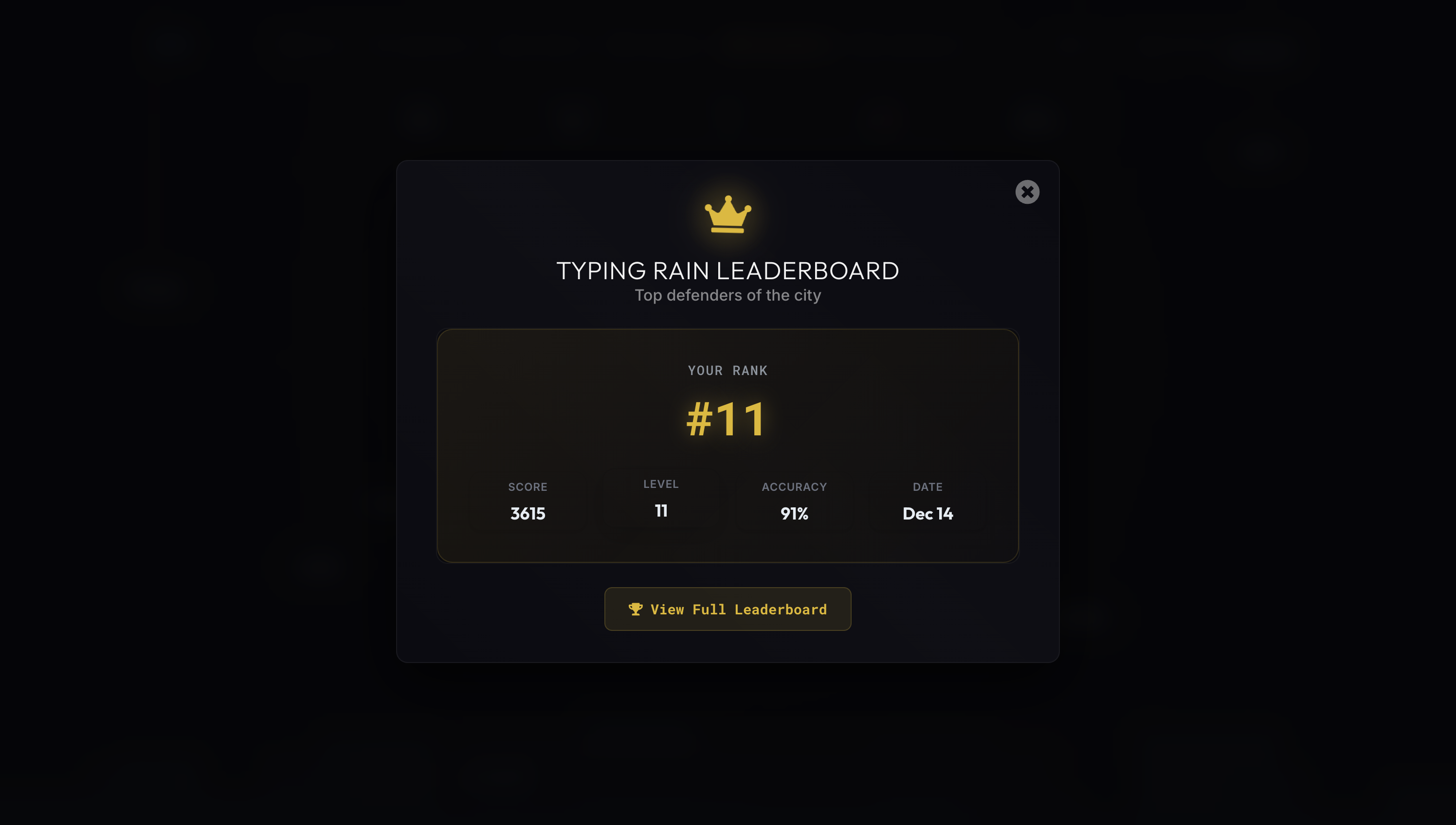
At the end of each round you’ll see a breakdown of score, accuracy, and level reached, plus options to try again or check the leaderboard.
Leaderboards show top scores so you can compare your performance and push for a personal best.
Why gamified typing practice works
Research and educational blogs consistently show that gamification makes learning more engaging. When practice is turned into a challenge with points and levels, learners are more likely to stick with it[2]. Games reward persistence and celebrate small wins[3], build hand‑eye coordination by keeping eyes on the screen while fingers find keys[4], and use badges and leaderboards to reinforce motivation and confidence[5][6]. The most effective designs use adaptive difficulty that feels “just right”[7] and short sessions that reduce burnout[8].
Key benefits of Typing Rain
- Engagement through competition: real‑time scoring and leaderboards drive improvement[5].
- Improved accuracy and speed: missed words cost lives, nudging accuracy before speed[1].
- Adaptive difficulty: longer words, faster fall speeds keep challenge aligned with skill[7].
- Hand‑eye coordination: watch falling words while typing to reduce looking down[4].
- Low burnout risk: short rounds and rewarding loops sustain practice[8].
Tips to improve your score
- Master the basics first: build home‑row muscle memory in Learn → Lessons.
- Focus on accuracy: avoid losing hearts; speed will follow.
- Prioritize longer words: they’re worth more points — pick the longest you can finish quickly.
- Use pause wisely: reset between levels to maintain posture and rhythm.
- Check the leaderboard: closing in on the next rank is a great motivator.
References
[1] Typing Rain
https://cdn.openai.com/gpt-examples/30f69d72-b99a-492c-8583-29618e6a00e8/typing-rain-5.2.html
[2] [3] [4] 5 Reasons Games Are a Great Way to Learn Typing — Typing Blog
https://www.typing.com/blog/5-reasons-games-great-way-learn-typing/
[5] [6] [7] [8] How to Gamify Typing for Lasting Motivation — Typesy
https://www.typesy.com/game-typing-for-lasting-motivation/